
Families
Team Scout for MBA families
Registration, your team's group, the calendar and your volunteer shifts, in one app. Here is what joining looks like.
Four short steps
Register on the MBA form
Your family, each player, and the league or travel program for 2027. One family account holds every guardian and every player.
Sign in with your mobile
Enter your number, then the six-digit code we text you. New to MBA? We ask your name and email once.
Get the Team Scout app
Download Team Scout from the App Store or Google Play and sign in with the same number.
Join your team's group
Your player's team is there: notes from the coach and team manager, the schedule, and the concession stand sign-up.
The Team Scout app
Your team in the Team Scout app
Every MBA team has its own group for the coach, the team manager and the families. A rainout, a field change or a new practice time reaches every parent at once.
Join your team's group
Download Team Scout and sign in with the mobile number you registered with. Your player's team is waiting.
Rainouts and field changes
Practice times, game moves and dome sessions reach every parent's phone at once, and the calendar updates with them.
Shifts and fees in the same app
Pick your concession stand shifts, see what you owe, and pay from your phone.
Directions to every field
Tap a game or a practice for the address and directions to Bennett, Freeman, Veterans Field or the dome.






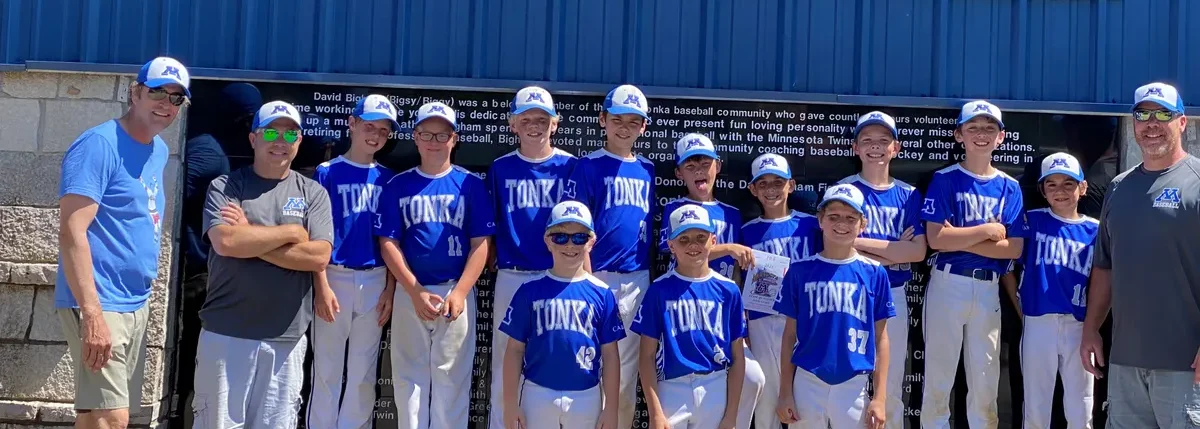






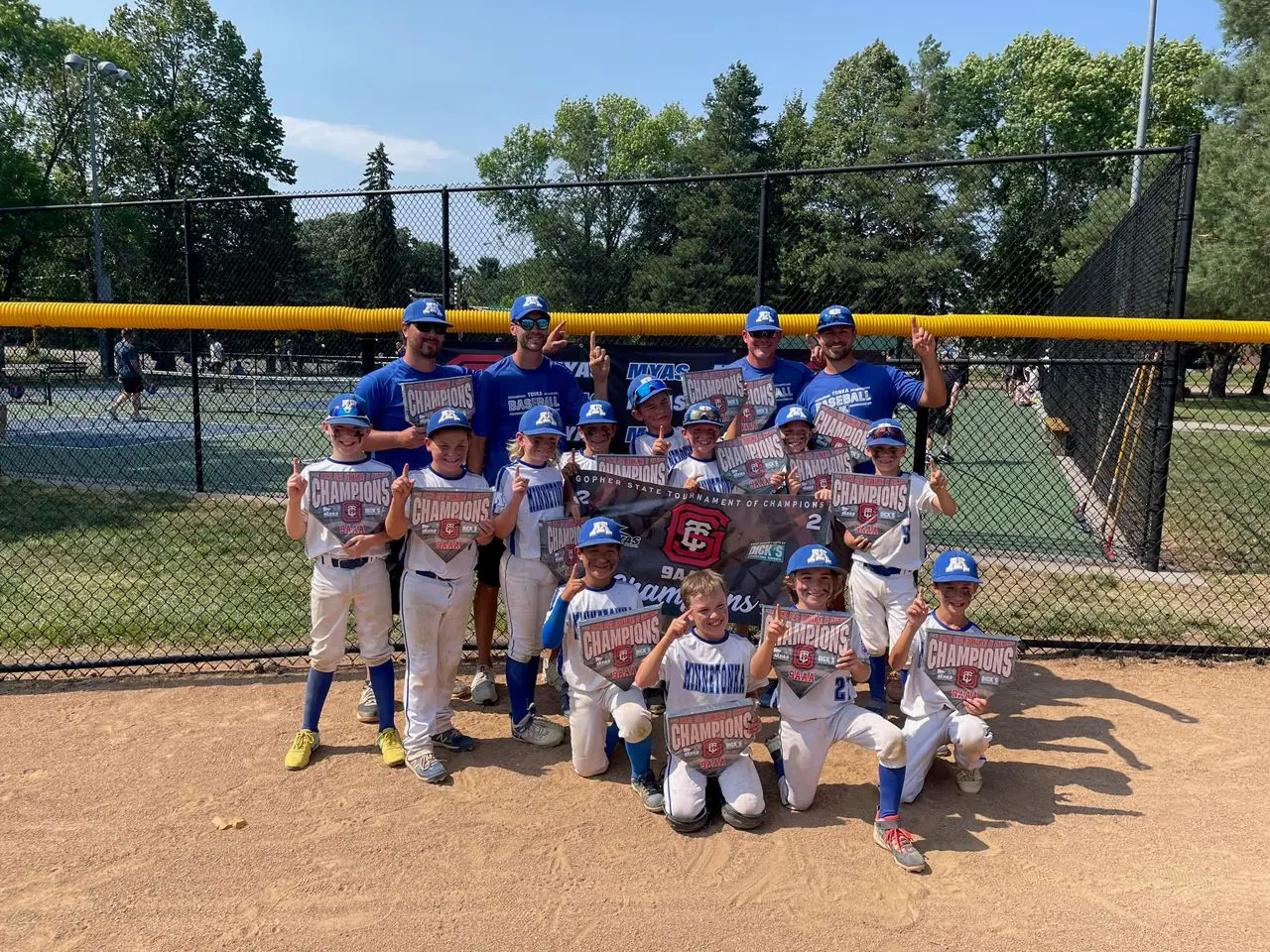
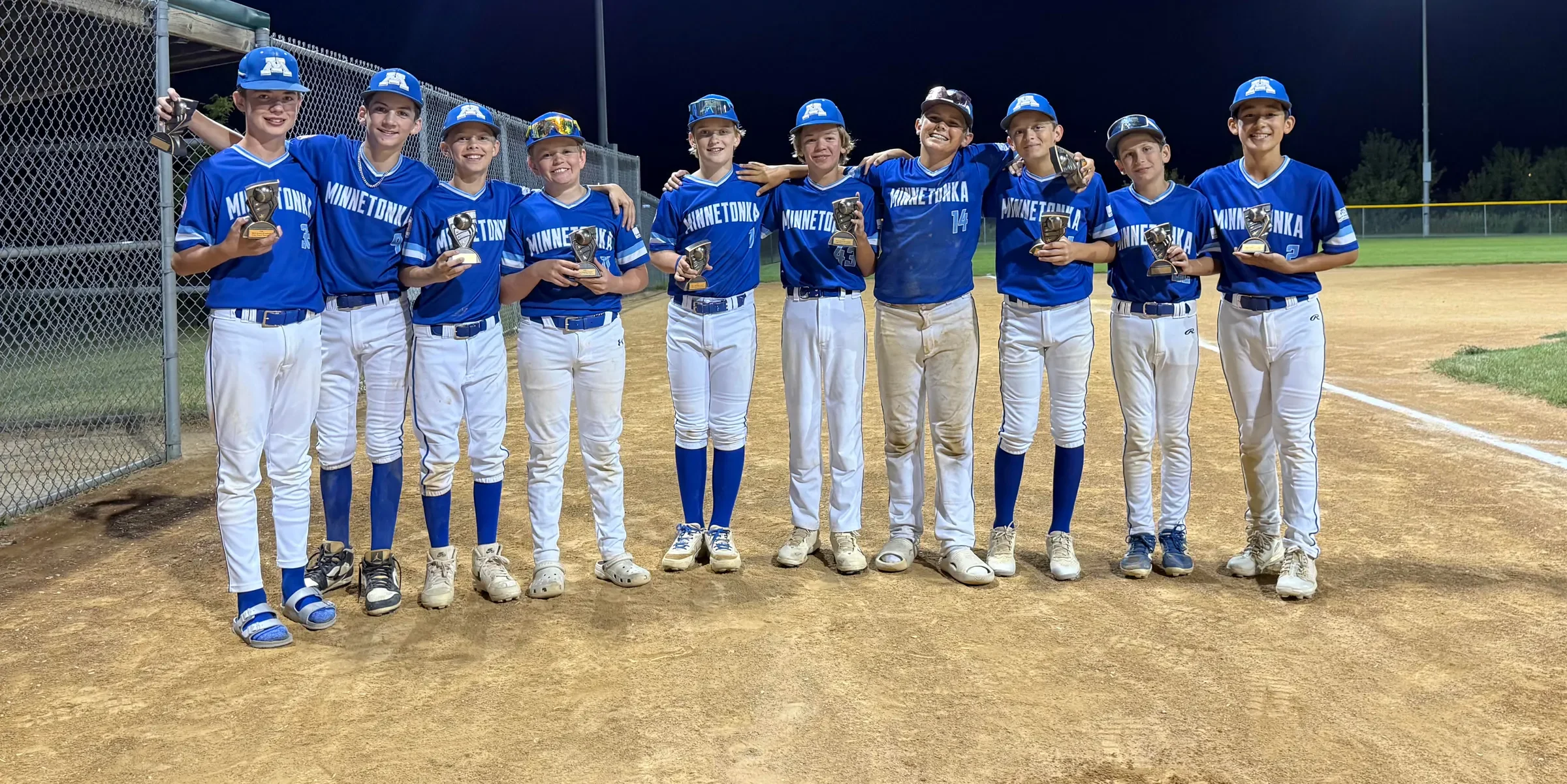
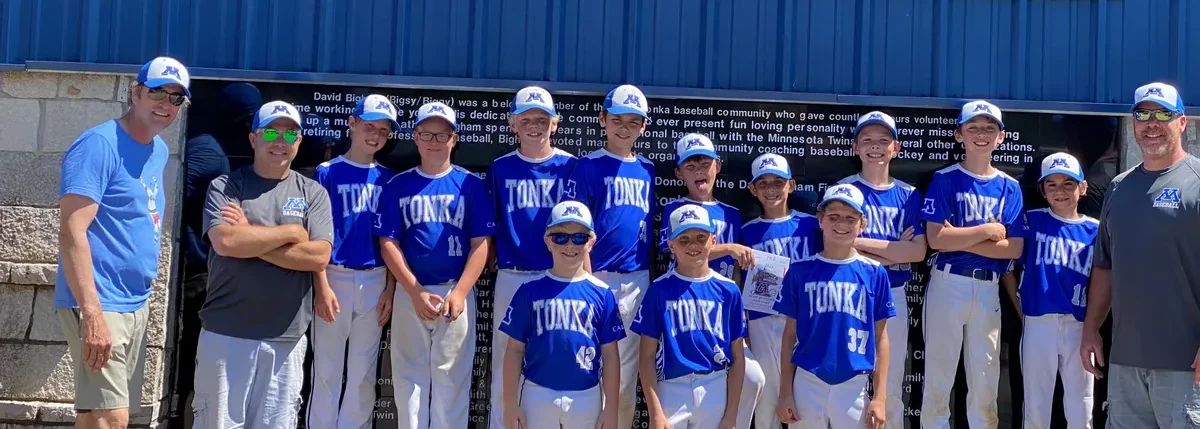
Feed, 1 of 3
What the coach posts, where every family on the team sees it.
- Tap Travel 12 to 15.
- The team's feed opens and scrolls: the coach's post, the game's photos. Tap Photos.
- Every photo posted to the group. Tap Roster.
- The team's roster.
What families ask
What about the other parent?
Do the same steps with your own mobile number. You see the same players and land in the same team groups, and both of you get the updates.
Who do I ask?
Email minnetonkabaseballcomms@gmail.com.